 Hook vs ntfy
 Hook vs Pushover
 Hook vs webhook.site
 Hook vs Pushcut
 Hook vs Bark
 Hook vs Hookdeck Console
Webhooks, without
watching the tab.
Give Stripe, GitHub or anything else an endpoint.Every request becomes a push notificationon your iPhone, with headers, query string and payload to read in the app or in your browser.
Free to start · iPhone, iPad and the web · or try a live endpoint
Works with anything that can send an HTTP request, and names these senders on arrival:
- GitHub
- Stripe
- Slack
- Shopify
- GitLab
- Linear
- Vercel
- Sentry
- Discord
- App Store Server
From install to first push. About a minute.
- Step 1
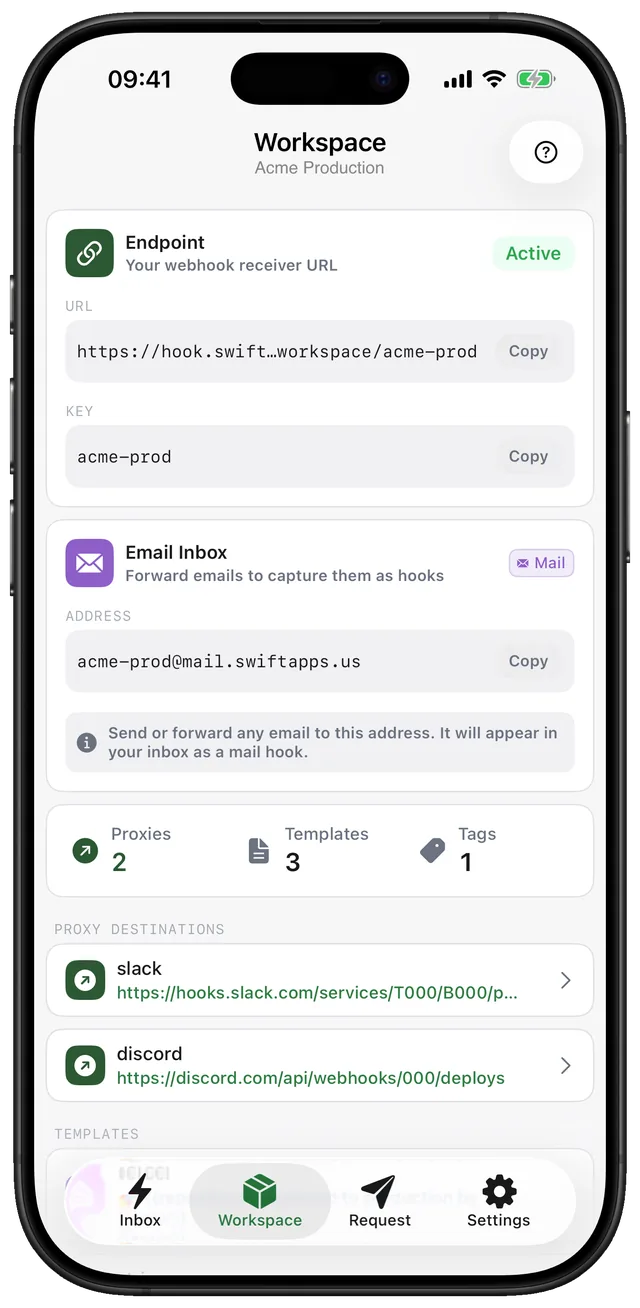
Create an endpoint
Open Hook and add a workspace. It gets its own URL on gethook.app straight away, with nothing to deploy.
- Step 2
Webhook URL
https://gethook.app/workspace/8f3c…/stripe
StripeGitHubShopifycronPaste it into the sender
Stripe, GitHub, Shopify, a cron job or your own backend: anything that can make an HTTP request can call it.
- Step 3
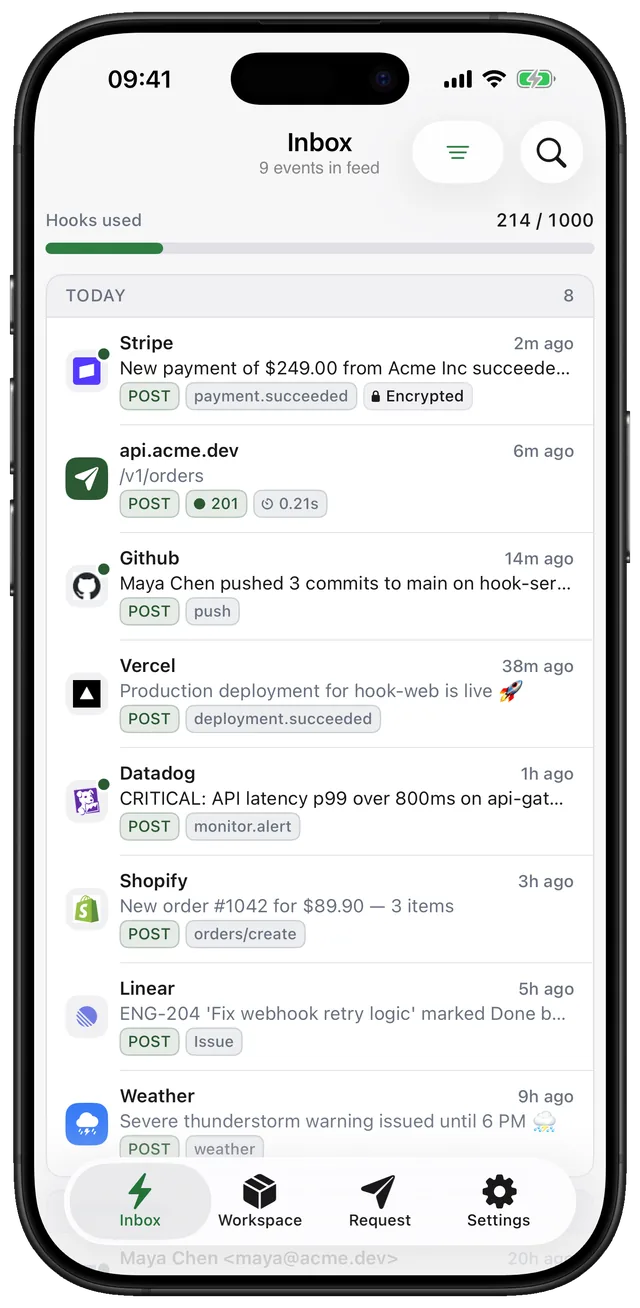
Get the push
Each request arrives as a notification naming the sender. Tap it to read the headers, query string and body.
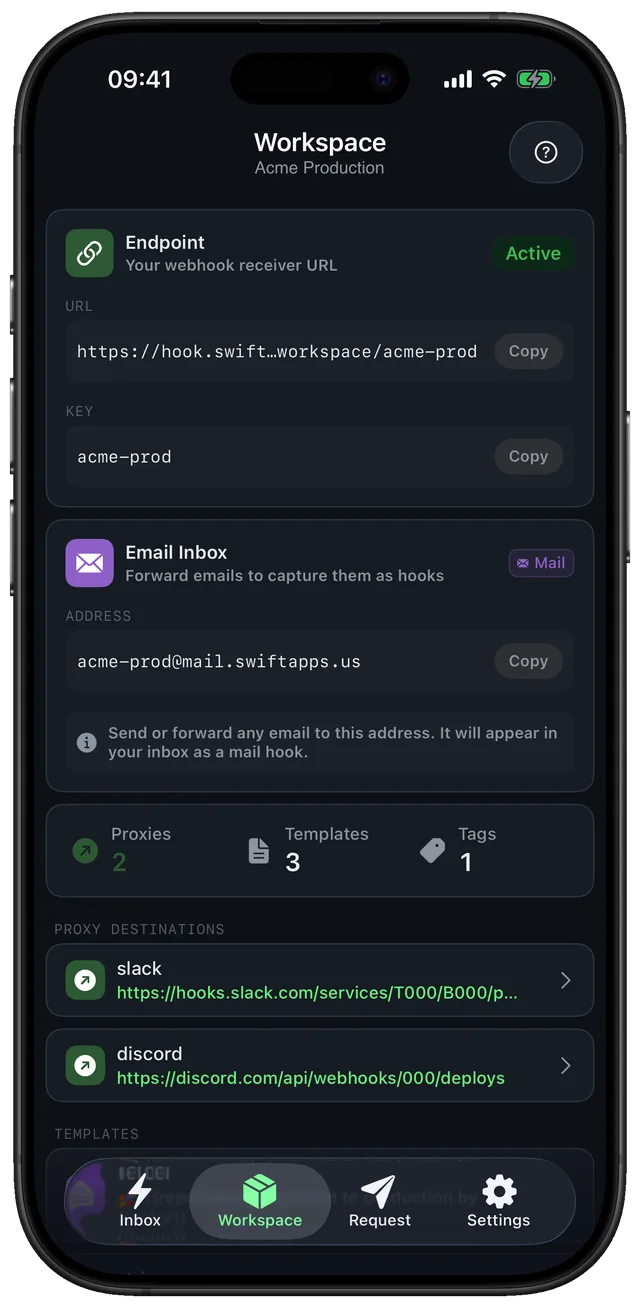
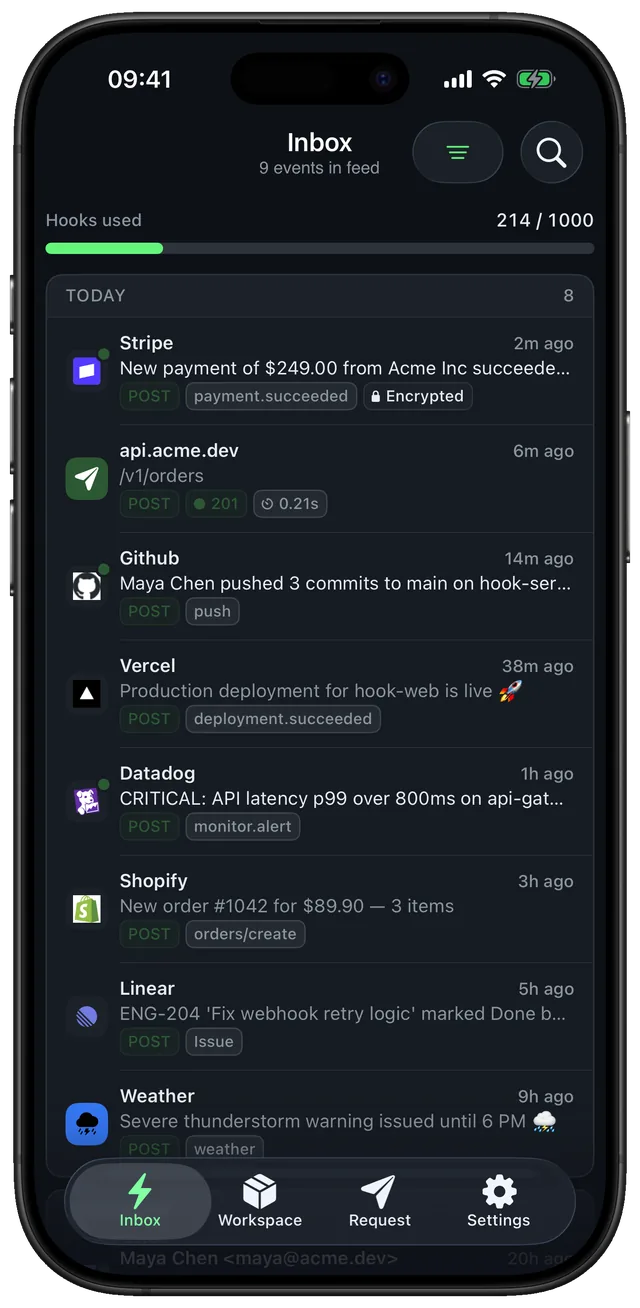
A notification you can read, not a wall of JSON.
Webhooks arrive as raw payloads. Hook reads each one and writes the notification for you: a short title, one line that says what happened, and a summary, in your language.
What Stripe sends
{
  "type": "invoice.payment_succeeded",
  "data": {
    "object": {
      "id": "in_1Q8f2xKz9",
      "customer_name": "Acme Inc",
      "amount_paid": 24900,
      "currency": "usd",
      "billing_reason": "subscription_cycle"
    }
  }
}
What your iPhone shows
Hook · StripenowInvoice paid
Acme Inc paid $249.00 for their subscription renewal
Summary · invoice.payment_succeeded: Acme Inc paid invoice in_1Q8f2xKz9, $249.00 USD, on a subscription cycle.
Says what happened
Action, who and how much, in one line under 120 characters, using the event's own name when it has one.
In your language
Notifications are written in the language set in the app, whatever language the payload is in.
Emails too
Mail sent to your workspace gets the same treatment: the point of the message, not a preview of the subject.
Your words when you want
Write a template per topic (Pro), or set Hook-Title and Hook-Message from your own code and the AI step is skipped.
Some services can only send email.
Every workspace also has its own address on mail.gethook.app. Point alerts, receipts or reports at it and they arrive as a push, summarised the same way, next to your webhooks.
Or write the notification yourself. One request, no SDK.
A deploy script, a cron job or a CI step already knows what to say. Set the title, priority and link in headers, and Hook shows exactly that.
curl https://gethook.app/workspace/8f3c…/deploys \
  -H "Hook-Title: Deploy finished" \
  -H "Hook-Priority: high" \
  -H "Hook-Click: https://acme.dev/releases/412" \
-d "v4.12 is live on production in 3m 12s"await fetch("https://gethook.app/workspace/8f3c…/deploys", {
method: "POST",
headers: { "Hook-Title": "Deploy finished", "Hook-Priority": "high" },
body: "v4.12 is live on production in 3m 12s",
})import requests
requests.post(
"https://gethook.app/workspace/8f3c…/deploys",
headers={"Hook-Title": "Deploy finished", "Hook-Priority": "high"},
data="v4.12 is live on production in 3m 12s",
)What your iPhone shows
Hook · deploysnowDeploy finished
v4.12 is live on production in 3m 12s
Priority decides how loudly
- 1 · minSilent, straight to Notification Center.
- 3 · defaultA normal notification.
- 5 · urgentDelivered at once, and stays on screen in the browser.
Try a real endpoint. No signup, fifteen minutes.
The URL below is live. Press the button or send it a request from your terminal, and it shows up here the way the app shows it.
Built for the moment an integration misbehaves.
You do not need a tunnel, a scratch server or a browser tab left open on a dashboard. Paste one URL into the provider and watch what it actually sends.
- Headers, query string and body, exactly as sent
- JSON formatted, the raw request kept underneath
- Real endpoints in the app keep your history
Your endpoint
curl -X POST https://gethook.app/workspace/your-workspace-key \
  -H 'content-type: application/json' \
-d '{"event":"payment.succeeded","amount":4200,"currency":"usd"}'Waiting for the first request…
Requests sent to the URL above land here within a second or two.
A throwaway endpoint for this page: it keeps the last 10 requests for 15 minutes. Real endpoints live in the app and keep your history.
Watch live traffic without taking it offline.
On Pro, Hook passes each request on to your own service, with the same method, body, headers and signature, so your backend keeps receiving what the provider sends.
- 200 · 69 mspushPOST · /github
- 200 · 61 mscharge.refundedPOST · /stripe
- 200 · 66 msorders/createPOST · /shopify · retry 1
- 503 · retry in 1 minorders/createPOST · /shopify
- 200 · 58 mscustomer.subscription.updatedPOST · /stripe
- 200 · 71 mspull_requestPOST · /github
- 200 · 63 msinvoice.paidPOST · /stripe
Every delivery, on the record.
Route all topics or one topic to a URL. Each attempt is kept with its status and timing, and you can resend any delivery from its original request.
- Failures retry after 1, 5 and 30 minutes
- Signatures and Authorization pass through unchanged
- A local server works through a public tunnel
See exactly what arrived, from wherever you are.
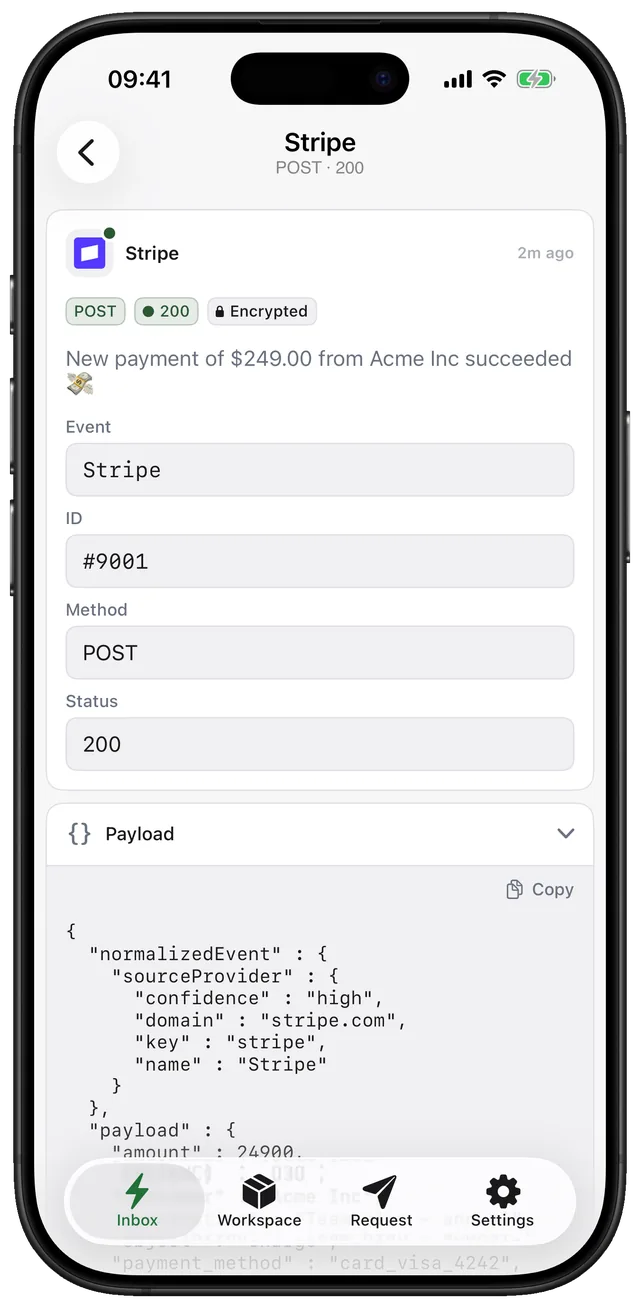
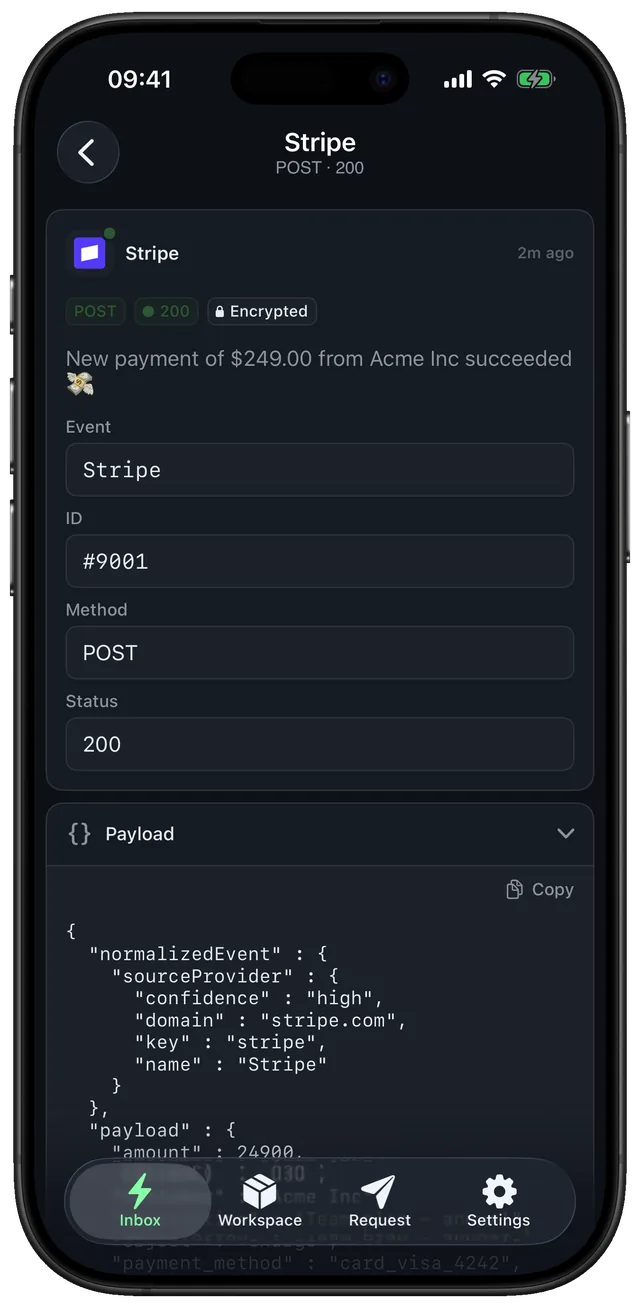
The whole request, readable on a phone.
Headers, query string and body, formatted. Tap links and numbers inside the JSON, copy any value, and see signed JWS payloads already decoded.
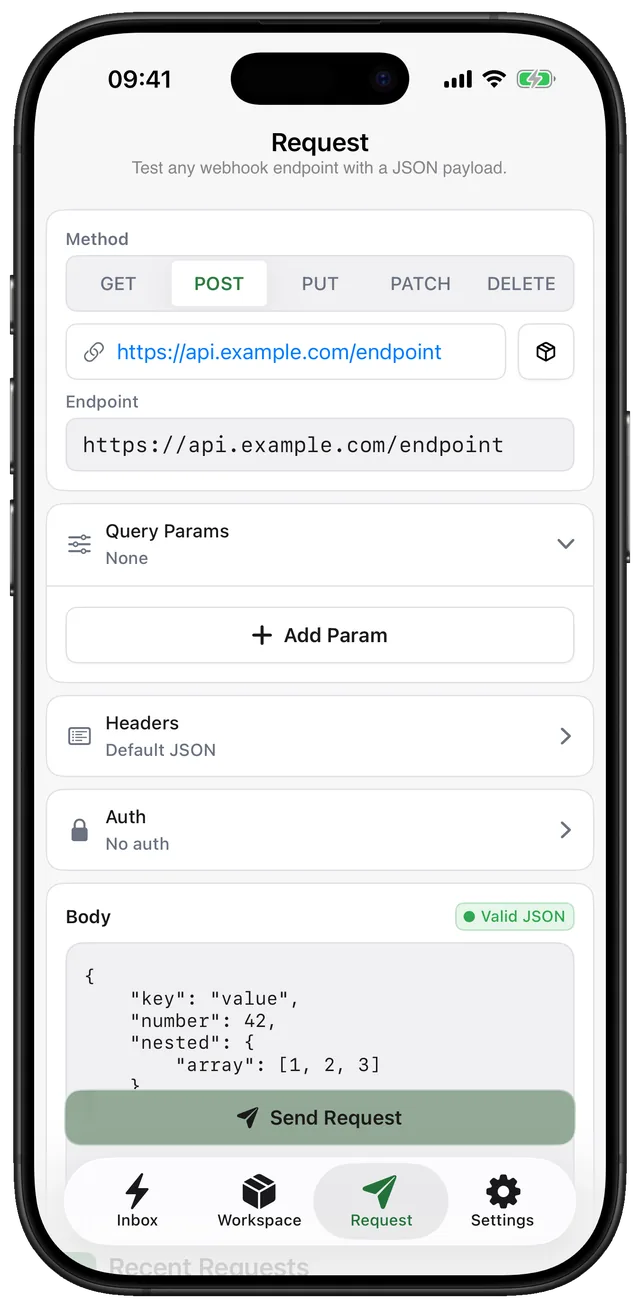
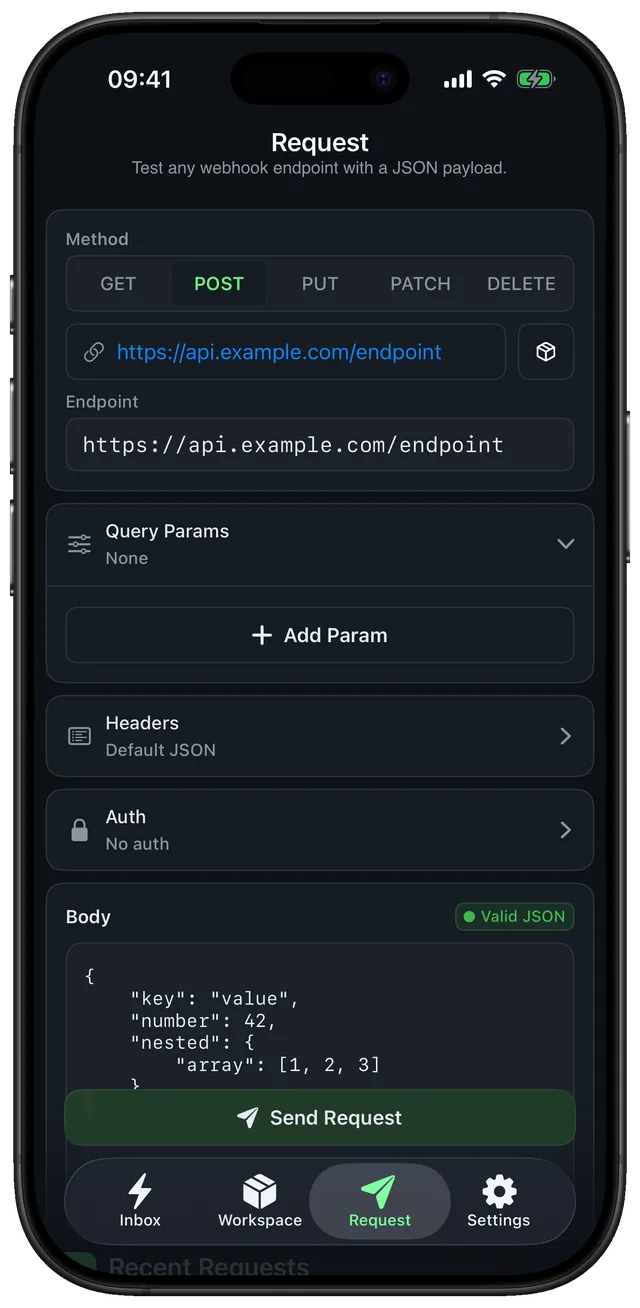
Fire a request back from your pocket.
Compose a custom HTTP request to check how an API answers, then keep the response next to the callback it triggered.
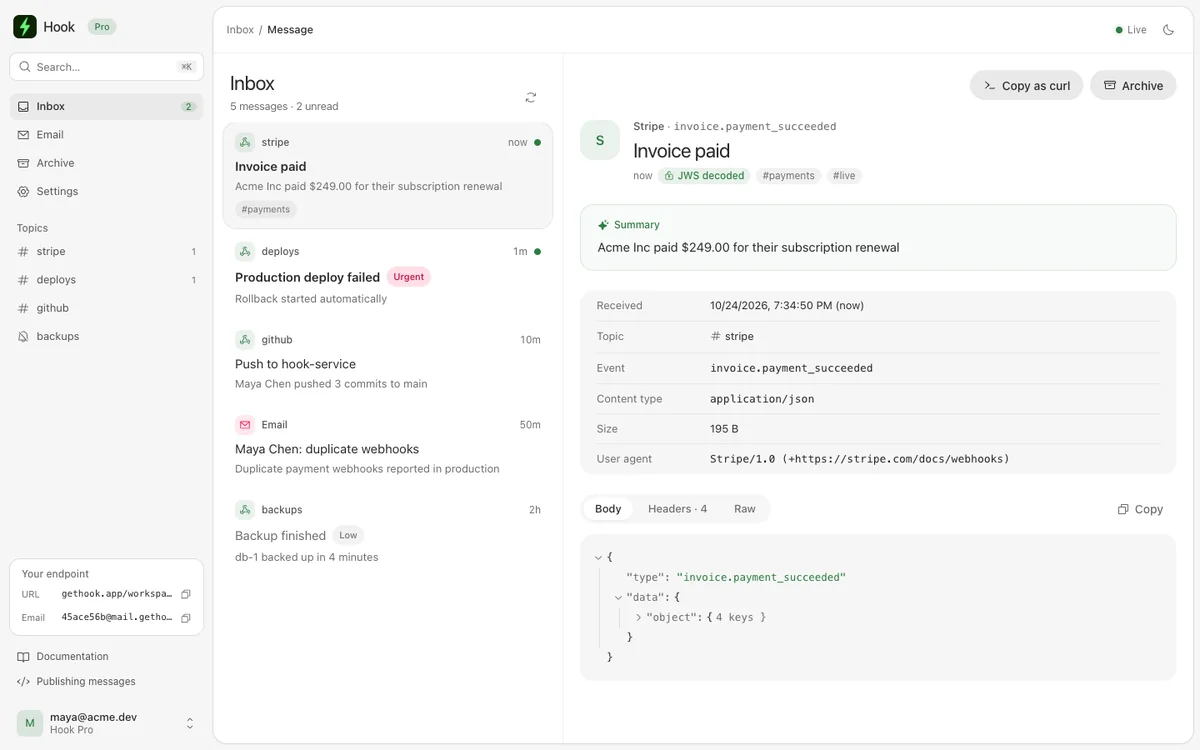
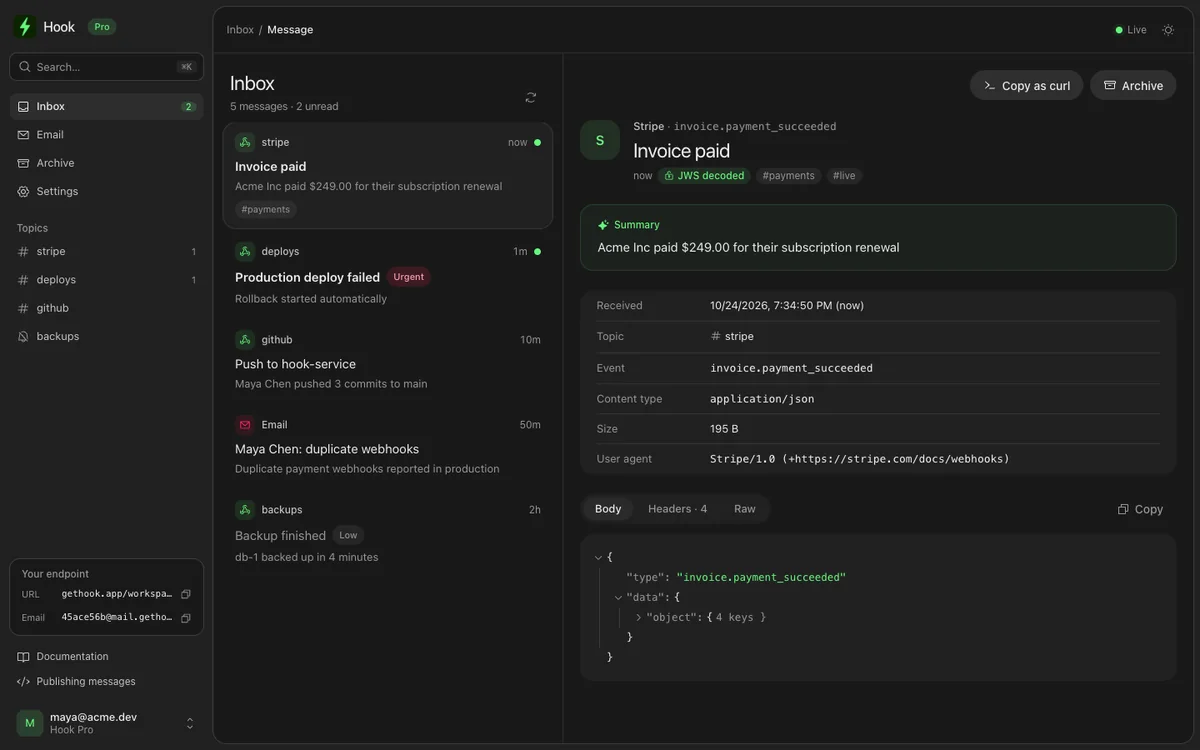
The same inbox on your computer.
Sign in at gethook.app/app with your Hook account and every request is there in the browser, live as it lands: topics, search, the full request and copy-as-curl to replay it locally.
- Live updates, no refresh
- Browser notifications on Pro
- Mute a topic or set its minimum priority
- Push
A request arrives, your phone knows
Every call to your endpoint becomes a notification, with the sender and the part of the payload you actually care about on the lock screen.
- Decode
Signed payloads open themselves
JWS and JWT bodies — App Store server notifications, signed provider callbacks — are decoded on arrival, including when they are nested.
- Organise
Tags, search, and an email endpoint
Label requests, search back through them, and give any workspace its own address so inbound mail lands in the same timeline.
Coming from another tool? and why Hook is different.
Push apps send the messages you write. Request inspectors show what arrived, in a browser tab. Hook takes any webhook as it is, writes the notification, and keeps the whole request.
Start free, subscribe when you need more, or unlock Pro once and keep it.
For the integration you are debugging today.
$0/ forever
- 10 requests a month
- Push notification per request
- Full headers, query and body
- Signed payload decoding
- iPhone, iPad and the web app
Full access with a flexible subscription.
$5.99/ month
- 10,000 requests a month
- Proxy requests downstream
- Send custom HTTP requests
- Email endpoint per workspace
- Browser notifications, full history
The same Pro access. One payment.
$59.99/ once
- Every Pro feature
- 10,000 requests a month
- No recurring payment
- Restore your purchase anytime
- Use on your Apple devices
USD prices shown for the US App Store. Apple displays your local price before purchase.
What people ask before they install.
What is Hook?
An iPhone and iPad app, with a web app at gethook.app/app, that gives you webhook endpoints. Every request sent to one becomes a push notification, and Hook keeps the full request so you can read the headers, query string and body later, on your phone or in the browser.
Can I use Hook on my computer?
Yes. Sign in at gethook.app/app with the email and password of your Hook account to read every request in the browser, live, with topics and search. Pro adds browser notifications. Accounts created with Sign in with Apple cannot sign in on the web yet.
Do I need a server or a tunnel?
No. The endpoint lives on gethook.app, so there is nothing to deploy, no port to open and no laptop that has to stay awake. Paste the URL into the sender and you are done.
Which services can send to Hook?
Anything that can make an HTTP request. Hook also recognises GitHub, Stripe, Slack, Shopify, GitLab, Linear, Vercel, Sentry, Discord and the App Store Server from the request itself, so the notification names the sender before you open it.
Can it read signed payloads?
Yes. JWS and JWT bodies, such as App Store server notifications and signed provider callbacks, are decoded on arrival, including when one signed body wraps another.
Will Hook break my existing integration?
It does not have to. On Pro, Hook can proxy each request on to your own service, so you can watch live traffic while your backend keeps receiving it.
How many requests are included?
10 a month on the free plan and 10,000 a month on Pro or Lifetime. Pro is billed weekly, monthly or yearly through the App Store, and Lifetime is a single payment.
Can I try it before installing?
Yes. The live endpoint on this page is real and lasts fifteen minutes. Send it a request from your terminal and it shows up in the browser, no signup needed.
Stop guessing what the provider sent. Let the next request find you.
Questions first? Read the get-started guide or ask support.