 Hook vs Pushover
 Hook vs Pushcut
 Hook vs Bark
 Hook vs Hookdeck Console
GitHub events, without refreshing the repo.
Add Hook as a webhook on a repository or an organisation. Pushes, pull requests, releases and workflow runs arrive as notifications labelled GitHub, with the full event to read.
- Recognised as GitHub, with the event type kept in the headers
- Topics keep repositories apart in the app and the web app
- Mute a noisy topic, or notify only from a priority up, without losing events
- 60 requests a minute per workspace covers busy repositories
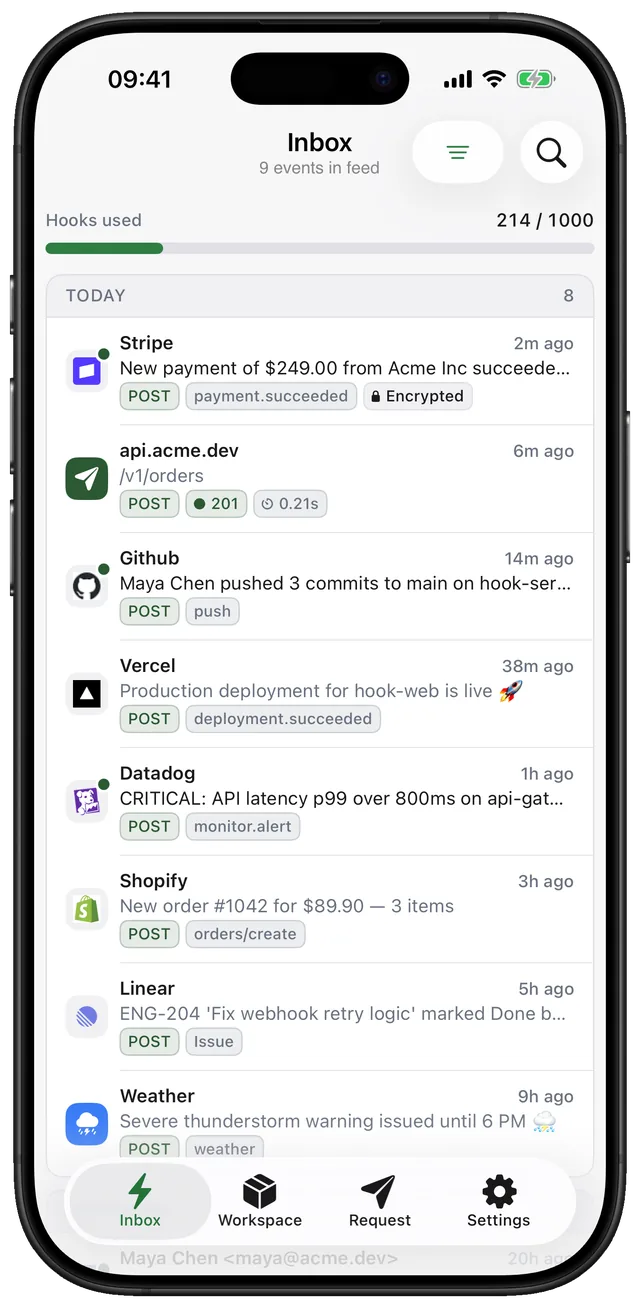
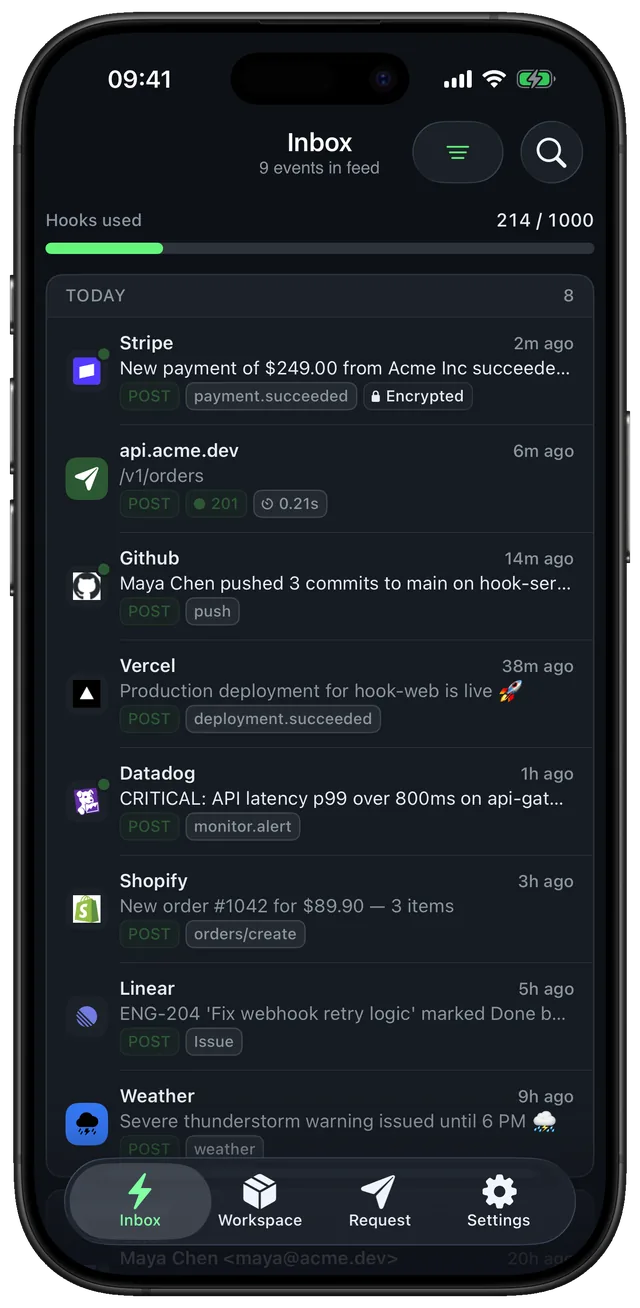
Set it up in a minute. Three steps.
- Step 1
Copy your endpoint
Add a topic per repository, for example /github-api.
- Step 2
Add the webhook
In the repository, open Settings → Webhooks → Add webhook. Paste the URL, choose application/json and select the events.
- Step 3
Get the push
GitHub sends a ping first, then every selected event arrives as a notification.
https://gethook.app/workspace/{workspace_key}/github-apiReplace {workspace_key} with the key shown in the app. Fields like title and priority are explained in Publishing messages.
What people ask before they set it up.
Does Hook check the X-Hub-Signature-256 header?
No. It keeps the header with the request so you can see it, but it does not verify it.
Can I use it for GitHub Actions too?
Yes. A workflow step can call your endpoint with curl and set its own title and priority. See the CI notifications use case.
Compared with other tools for this job.
 vs
ntfy alternative for iPhone
ntfy is an open-source pub/sub service: you publish a message to a topic and subscribed devices get it. Hook gives you an endpoint any service can call as it is, and shows the whole request as well as the notification.
Compare- vs

webhook.site alternative with push
webhook.site is a browser tool for inspecting requests sent to a disposable URL. Hook does the inspecting too, but on a permanent endpoint that notifies your iPhone, so you don't have to keep a tab open.
Compare