 Hook vs webhook.site
 Hook vs Pushcut
 Hook vs Bark
 Hook vs Hookdeck Console
Know when a deploy lands, or doesn't.
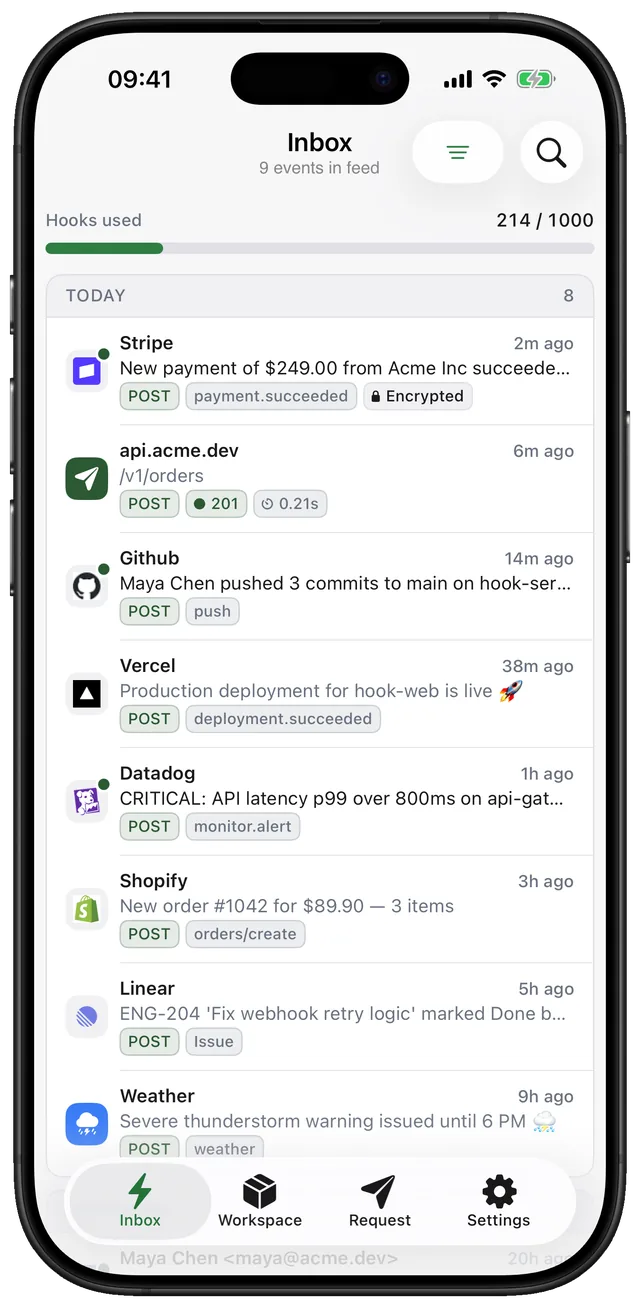
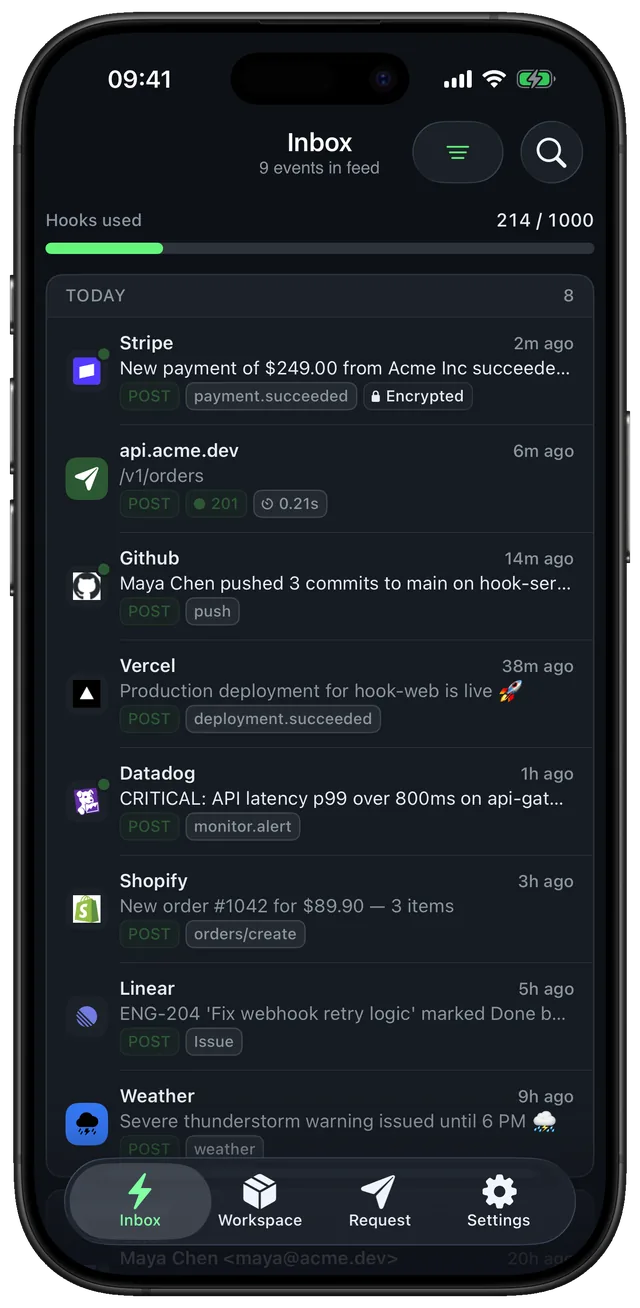
Vercel and GitHub can call Hook directly. For anything else, one step at the end of a pipeline sends a notification with the result, a link to the run and the right priority.
- Vercel and GitHub are recognised by name
- Hook-Click opens the run when you tap the browser notification
- Keep the workspace key in a CI secret: anyone with it can post to you
Set it up in a minute. Three steps.
- Step 1
Use the platform's webhooks
Point Vercel deployment webhooks or GitHub workflow_run events at a /deploys topic.
- Step 2
Or add a step
Call your endpoint from the pipeline with the outcome as the title and a link to the run.
- Step 3
Notify only on failure
Set the topic to notify from high priority, and send successes at default.
- name: Notify Hook
  if: always()
  run: |
    curl -s "https://gethook.app/workspace/${{ secrets.HOOK_KEY }}/deploys" \
      -H "Hook-Title: Deploy ${{ job.status }}" \
      -H "Hook-Priority: ${{ job.status == 'success' && 'default' || 'urgent' }}" \
      -H "Hook-Click: ${{ github.server_url }}/${{ github.repository }}/actions/runs/${{ github.run_id }}" \
      -d "${{ github.repository }}@${{ github.sha }}"
Replace {workspace_key} with the key shown in the app. Fields like title and priority are explained in Publishing messages.
What people ask before they set it up.
Can I see the notification on my laptop too?
Yes. Sign in at gethook.app/app with the same account; Pro adds browser notifications next to the iPhone.
Compared with other tools for this job.
 vs
ntfy alternative for iPhone
ntfy is an open-source pub/sub service: you publish a message to a topic and subscribed devices get it. Hook gives you an endpoint any service can call as it is, and shows the whole request as well as the notification.
Compare- vs

Pushover alternative
Pushover is a reliable push API: your code sends a token, a user key and a message. Hook is an endpoint other services call directly, so a webhook you don't control still becomes a notification you can read in full.
Compare