
 Hook vs ntfy
 Hook vs Pushover
 Hook vs webhook.site
 Hook vs Pushcut
 Hook vs Bark
 Hook vs Hookdeck Console
App Store Server Notifications, decoded on arrival.
Apple signs every notification as a JWS, and the transaction and renewal info inside are signed again. Hook decodes all of it the moment it lands, so DID_RENEW, REFUND or EXPIRED reads like plain JSON.
- Recognised as the App Store Server on arrival
- Nested JWS decoded recursively: payload, transaction and renewal info
- Signatures are shown decoded, not verified; verify them in your backend
- Proxy (Pro) passes each notification on to your own server unchanged
Set it up in a minute. Three steps.
- Step 1
Copy your endpoint
Use a topic per environment, for example /appstore-sandbox and /appstore.
- Step 2
Set it in App Store Connect
Open your app, then App Information → App Store Server Notifications, and paste the URL as the Sandbox or Production server URL (Version 2).
- Step 3
Read every event
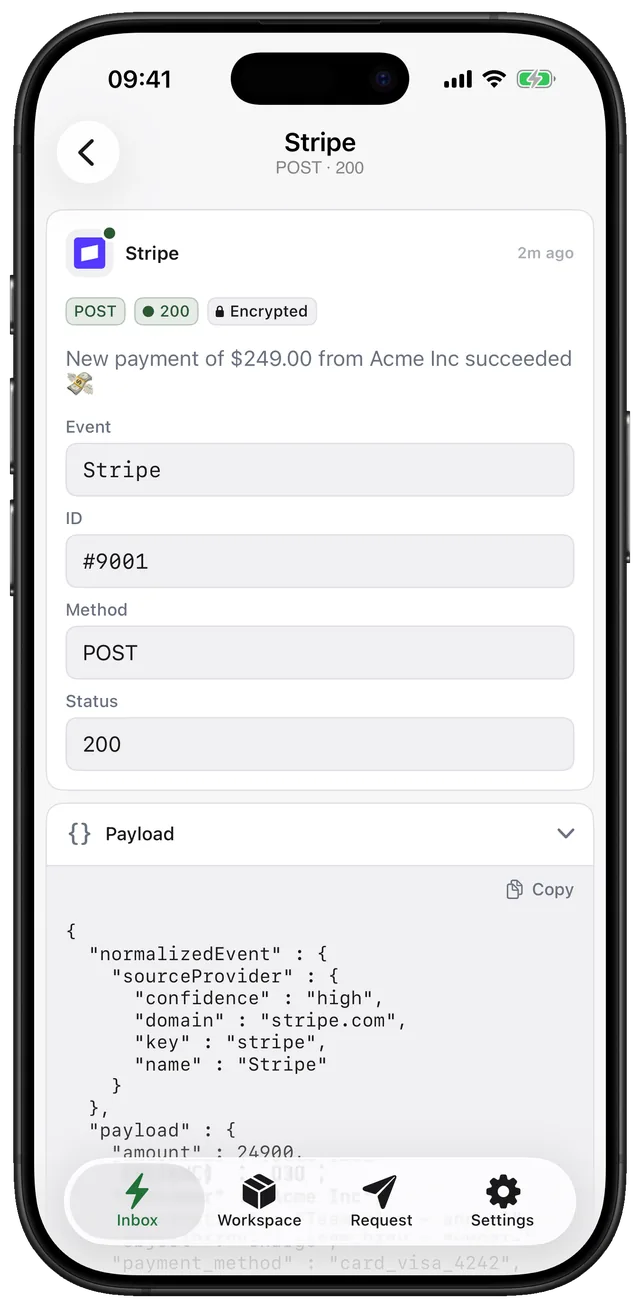
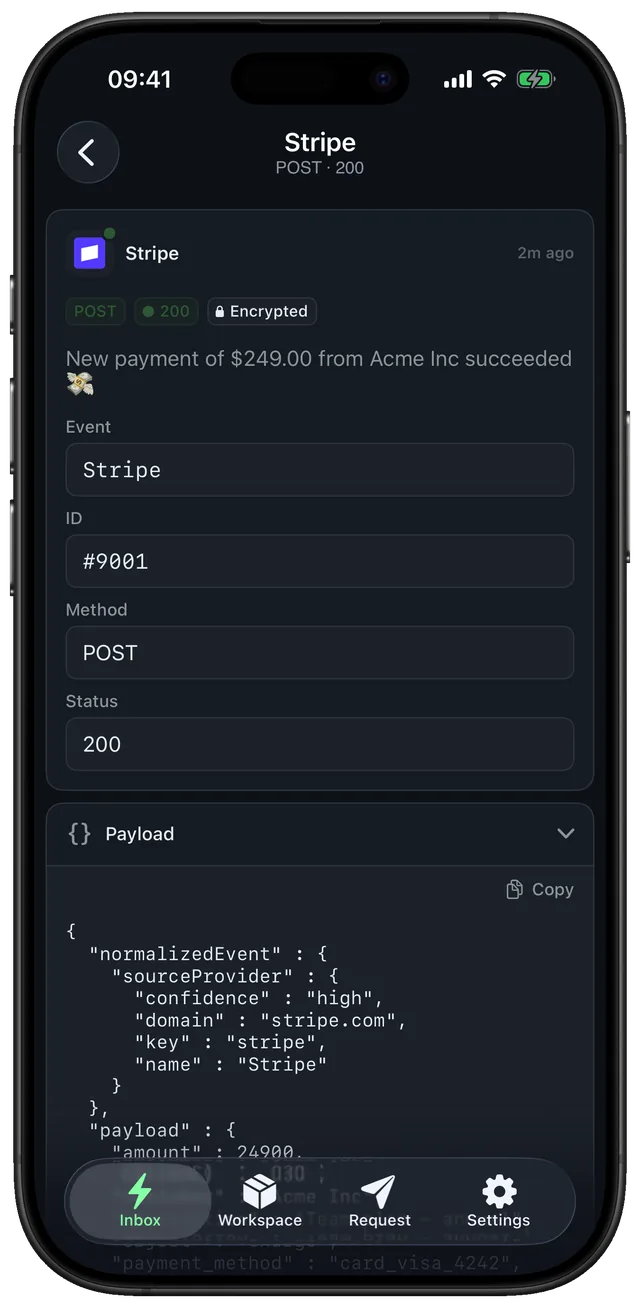
Each notification arrives as a push. signedPayload, signedTransactionInfo and signedRenewalInfo open already decoded.
{
  "notificationType": "DID_RENEW",
  "data": {
    "bundleId": "com.example.app",
    "environment": "Sandbox",
    "signedTransactionInfo": {
      "productId": "pro_monthly",
      "expiresDate": 1792579545000
    }
  }
}
Replace {workspace_key} with the key shown in the app. Fields like title and priority are explained in Publishing messages.
What people ask before they set it up.
Can I keep my own server as the notification URL?
App Store Connect takes one URL per environment. Set Hook as the URL and turn on Hook's proxy (Pro) to forward every notification to your server, or point the Sandbox URL at Hook while you build.
Does Hook verify Apple's signature?
No. Hook decodes the JWS header and payload so you can read them, but it does not validate the certificate chain.
Does it work with Version 1 notifications?
Hook stores and shows any JSON body. Version 1 notifications are not signed, so there is nothing to decode, but they arrive and read the same way.