 Hook vs ntfy
 Hook vs Pushover
 Hook vs Pushcut
 Hook vs Bark
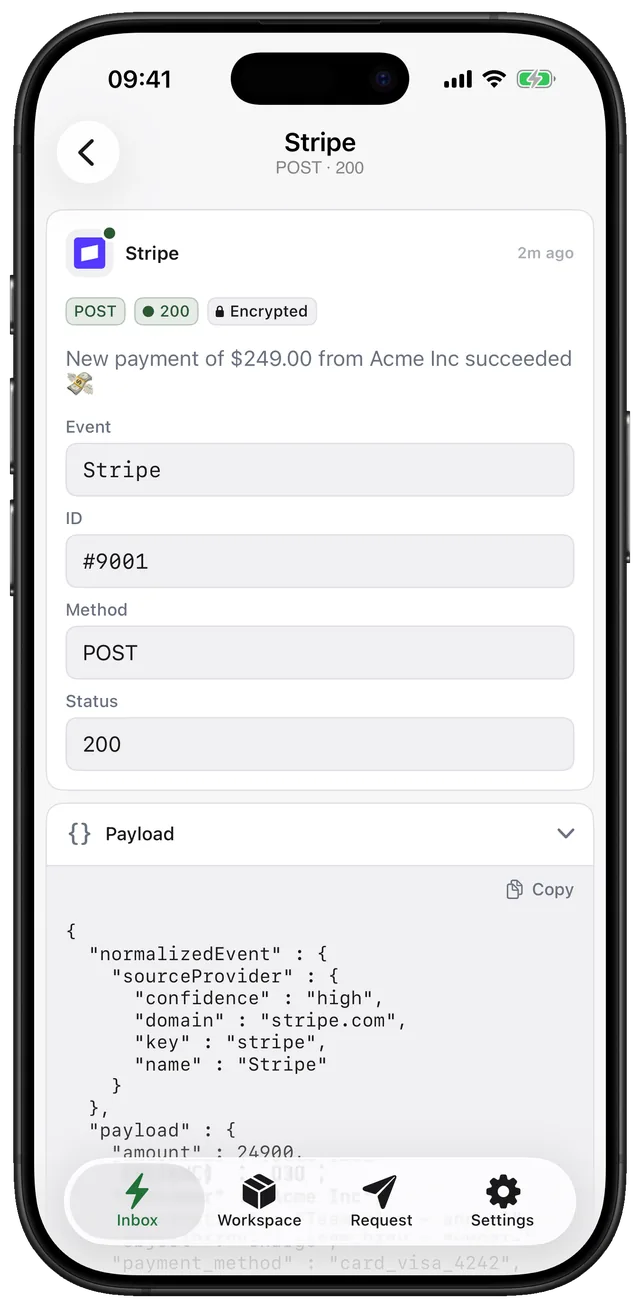
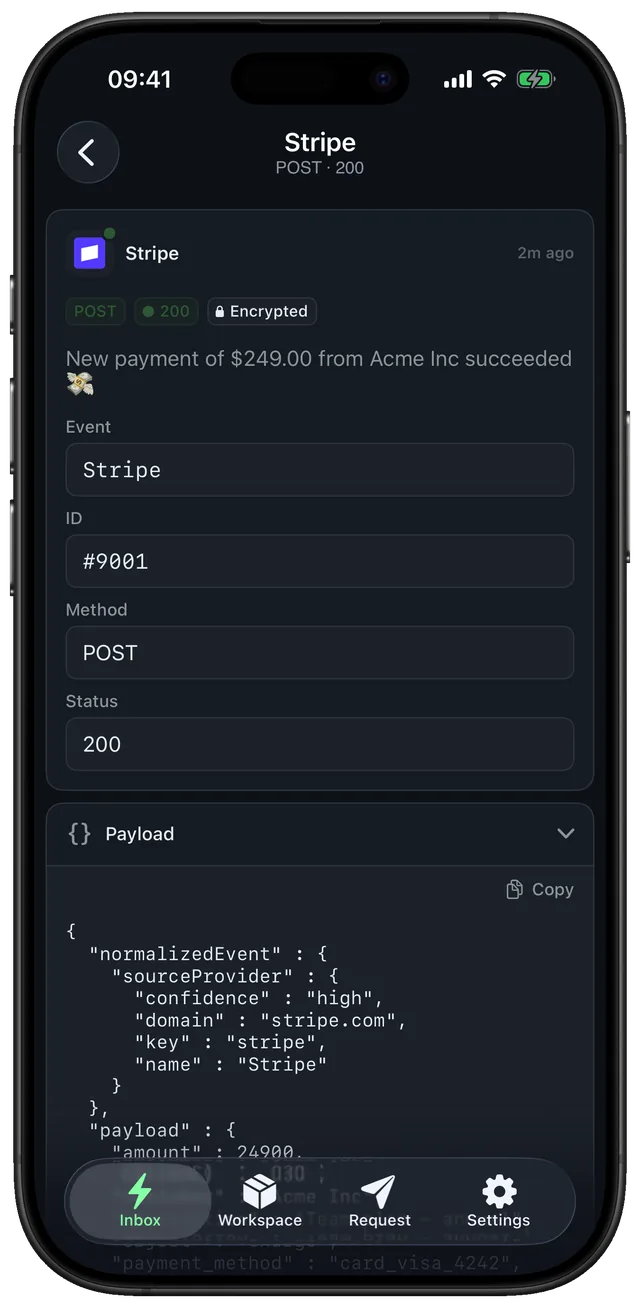
See what the provider actually sent.
Integration not firing? Point the provider at Hook instead of your localhost, read the real request, then forward it to your service with the proxy once it looks right.
- Any method: GET, POST, PUT, PATCH, DELETE and HEAD
- JSON, form, text and JWS bodies shown readably, raw kept underneath
- Copy as curl in the web app to replay a request locally
- Proxy (Pro) forwards live traffic to your service while you watch
Set it up in a minute. Three steps.
- Step 1
Get an endpoint
Try the throwaway one on gethook.app, or create a workspace in the app for one that keeps its history.
- Step 2
Trigger the event
Use the provider's test button or do the real thing.
- Step 3
Inspect and replay
Read headers, query and body; copy the request as curl to replay it against your own code.
curl -X POST https://gethook.app/workspace/{workspace_key}/test \
  -H "content-type: application/json" \
  -d '{"event":"payment.succeeded","amount":4200}'
Replace {workspace_key} with the key shown in the app. Fields like title and priority are explained in Publishing messages.
What people ask before they set it up.
How long are requests kept?
On the free plan the app shows the last 7 days; Pro keeps your history. The live endpoint on the homepage forgets requests after 15 minutes.
Can Hook send a custom response back to the provider?
No. Hook always answers 202 Accepted. If the provider needs a specific response, forward the request to your service with the proxy.
Compared with other tools for this job.
 vs

webhook.site alternative with push
webhook.site is a browser tool for inspecting requests sent to a disposable URL. Hook does the inspecting too, but on a permanent endpoint that notifies your iPhone, so you don't have to keep a tab open.
Compare- vs

Hookdeck Console alternative on iPhone
Hookdeck Console is a free browser inspector next to Hookdeck's webhook gateway, with a CLI that forwards to localhost. Hook is for watching webhooks from your phone: every request pushes, and you read it anywhere.
Compare