
 Hook vs ntfy
 Hook vs Pushover
 Hook vs webhook.site
 Hook vs Pushcut
 Hook vs Bark
 Hook vs Hookdeck Console
Use cases · Email
For services that can only send email.
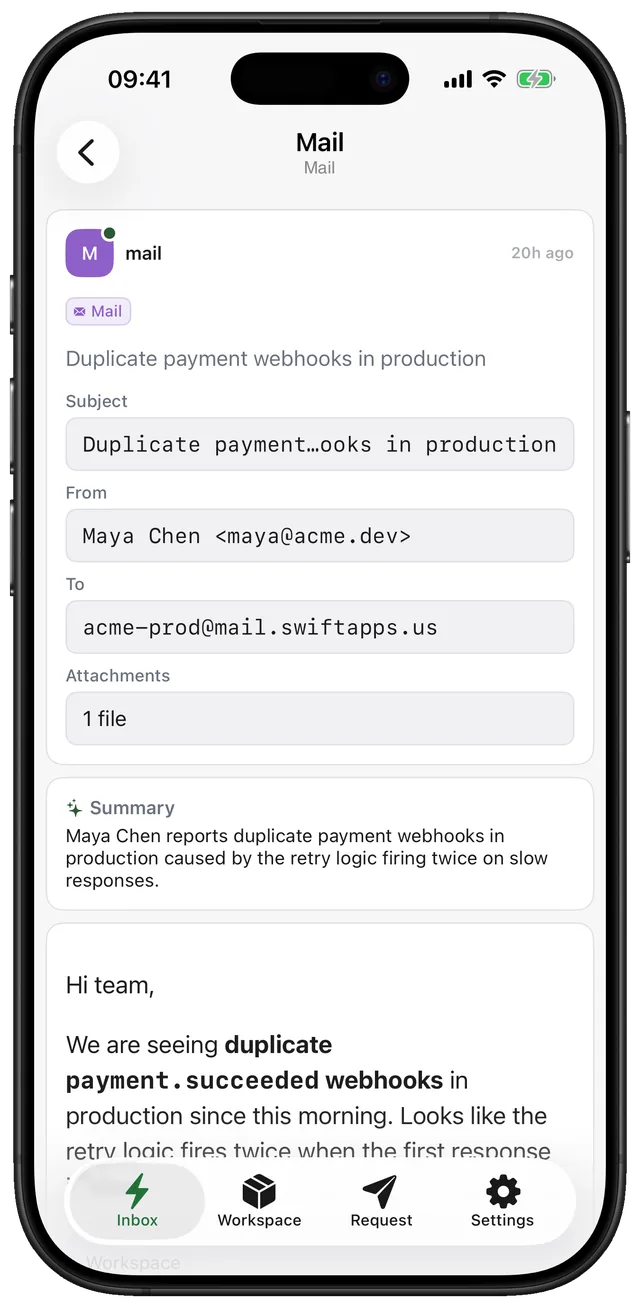
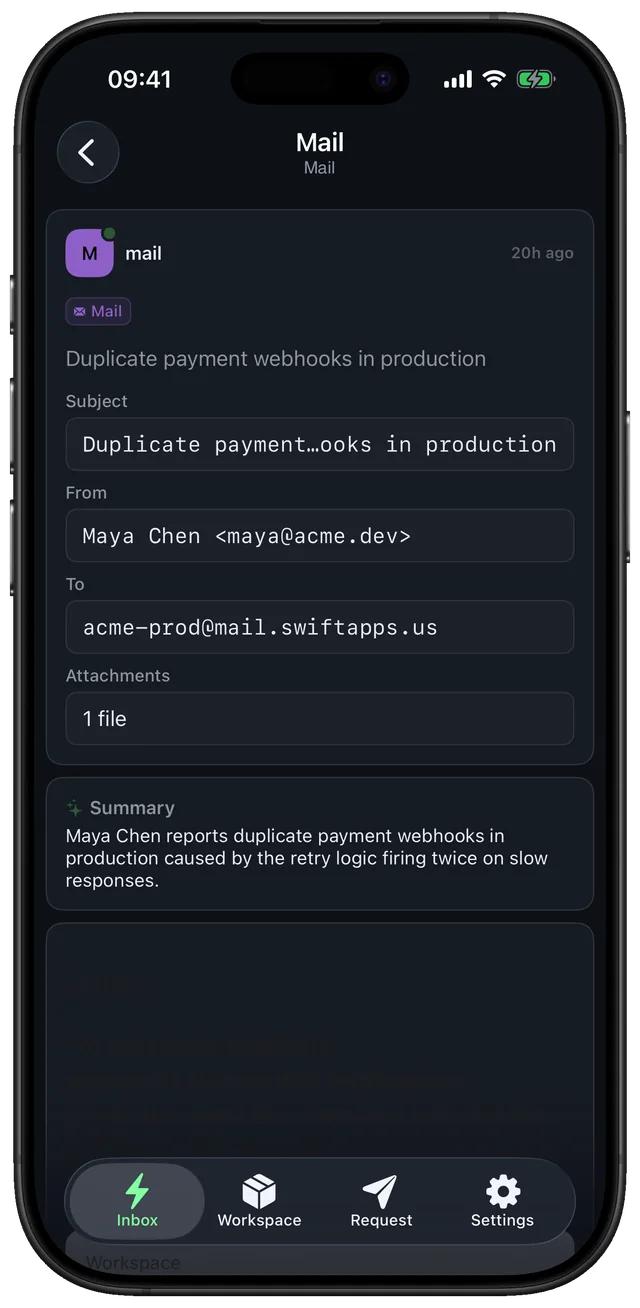
Some systems only know how to send mail. Give them your workspace's address and each email arrives as a notification with a short summary, the sender, and the text to read.
- Plain-text body shown; HTML mail is never rendered
- Attachments are listed by name
- The same limits and notifications as webhooks
Set it up in a minute. Three steps.
- Step 1
Copy the address
Your workspace address ends in @mail.gethook.app; it is shown next to the endpoint in the app.
- Step 2
Forward or subscribe
Use it as the alert address in a monitoring tool, or forward a mailbox rule to it.
- Step 3
Read it anywhere
Mail lands in the same timeline as webhooks, in the app and in the web app's Email folder.
address
{workspace_key}@mail.gethook.appReplace {workspace_key} with the key shown in the app. Fields like title and priority are explained in Publishing messages.
What people ask before they set it up.
Can anyone email my workspace?
Anyone who knows the address can, so treat it like the endpoint URL and share it only with the services that need it.